
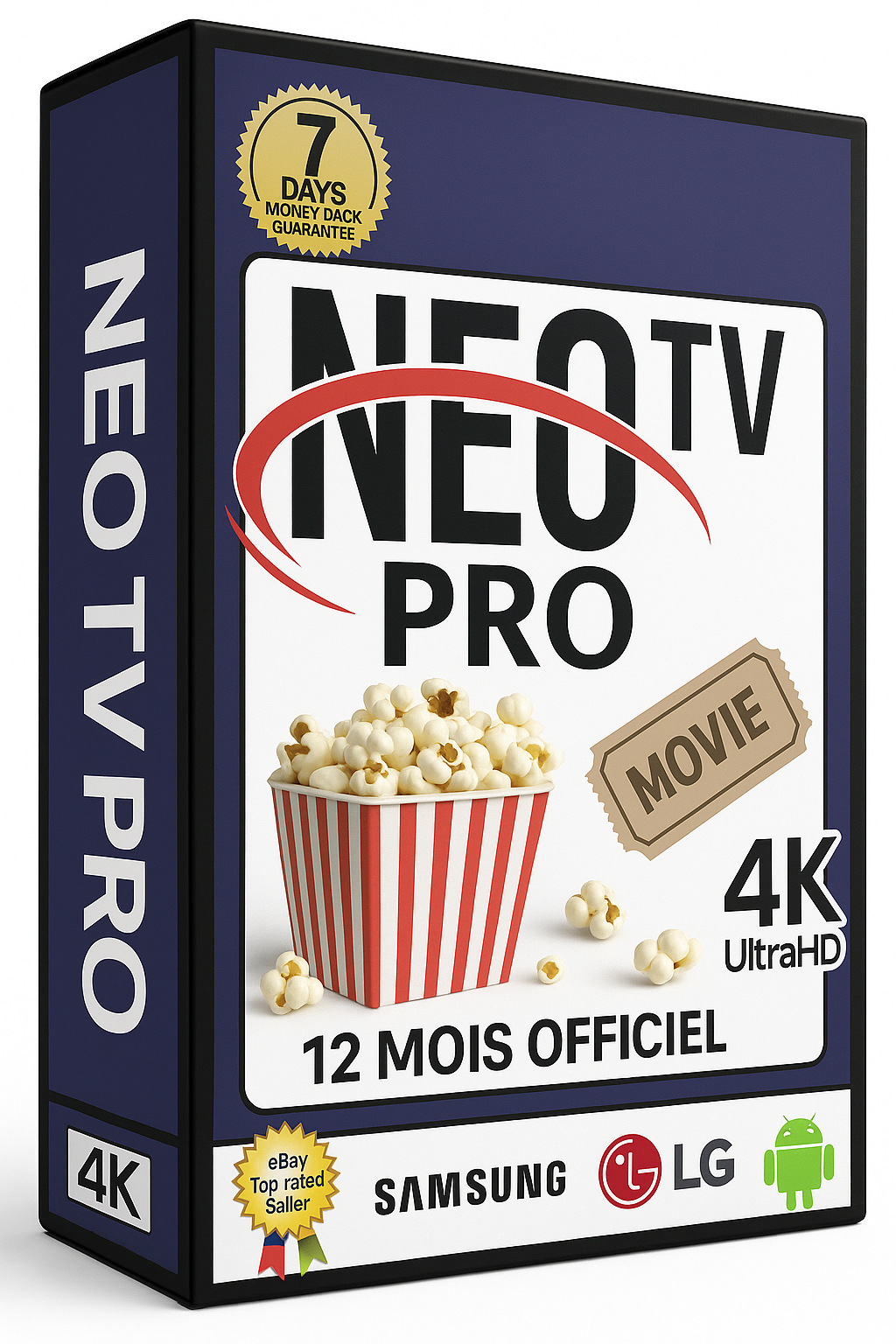
The Official 2025 IPTV Revolution. Unlock 12 Months of Uninterrupted, Crystal-Clear Entertainment for Less Than a Cup of Coffee Per Month.
Tired of paying hundreds for cable and still missing the big game? Frustrated by constant buffering and unreliable streams? The Neo PRO 2 IPTV 2025 – Code Officiel 12 Mois is engineered to be the last subscription you’ll ever need. This isn’t just another IPTV service; it’s a premium, officially coded gateway to a universe of content, delivered with rock-solid stability.
Imagine having every live sports event, blockbuster movie, hit series, and international channel at your fingertips, all streaming in stunning 4K quality without a single freeze. That’s the promise we deliver every day with our 99.9% uptime guarantee and proprietary Anti-Freeze Technology.
Our enterprise-grade servers and Anti-Freeze Technology ensure you watch the final moments of the match, not a spinning buffer icon.
Over 20,000 live channels and 80,000+ VOD titles from the US, UK, Canada, Europe, Asia, and the Middle East.
Your official 12-month code is delivered instantly via email. No waiting. Plug and play in under 5 minutes.
Get the legendary Neo PRO 2 IPTV 2025 service at a fraction of the cost of traditional cable. Our 12-month plan offers the best value, locking in your low rate for a full year of premium entertainment.
$9.99
Perfect for a trial month.
$29.99
Save $10 vs monthly.
$39.99
Our most popular short-term plan.
$49.99
Only $4.17 per month! Save over 58%.
Watch on multiple TVs simultaneously. Perfect for families.
$99.99
$149.99
$199.99
$239.99
Getting your official 12-month access is quick, secure, and straightforward.
Visit our official website ibomaxpro.com and select your preferred plan (we highly recommend the 12-month Neo PRO 2 IPTV 2025 – Code Officiel for maximum savings). Complete the secure checkout.
Immediately after payment, your unique Official 12-Month Activation Code and detailed setup instructions will be sent to your email inbox. Check your spam folder if you don’t see it within 2 minutes.
Follow the simple guide below to enter your code into your preferred IPTV app (like IPTV Smarters) on your Smart TV, Fire Stick, or other device. Your world of entertainment will unlock instantly.
Prefer a guided purchase? Click here to order via WhatsApp and our support team will personally assist you.
Your Neo PRO 2 IPTV 2025 – Code Officiel is a unique credential that activates your subscription. Here’s what you need to do:
Pro Tip: Save your login email! If you ever switch devices or need to reinstall the app, you simply use the same code to reactivate. Your 12-month subscription is tied to these credentials.
Transform your living room TV into a global entertainment center in minutes.