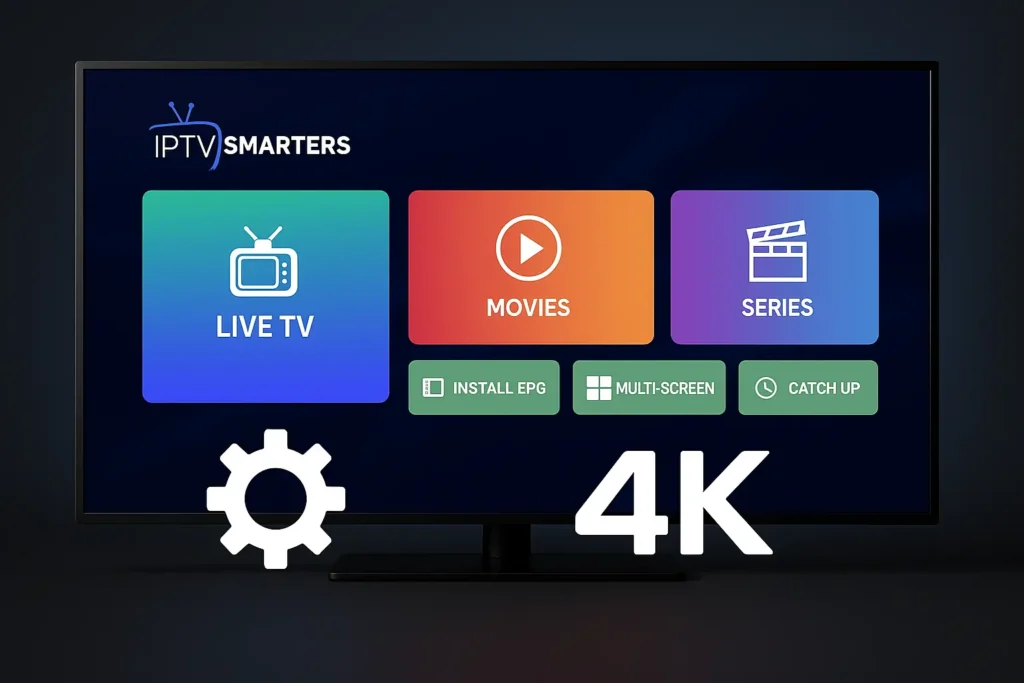
📺 Best IPTV Smarters Pro Settings for 4K Streaming – Optimize Your Experience
Want smoother video? No more freezing or blurry images? 🎯 Let’s fix that!
If you’re using IPTV Smarters Pro and want to stream in 4K, good settings make a big difference. This guide gives you simple and fun ways to make your app better. You don’t need to be a tech expert – just follow the steps!
⚙️ Step 1: Use the Right Video Player
Inside IPTV Smarters Pro, go to:
Settings > Player Selection
✅ Choose Exo Player or VLC Player
These work best with 4K videos. Exo is smooth. VLC supports more formats.
👉 If you see lag or freezing, change the player and test again.
🔁 Step 2: Change Buffer Size
Too much buffering? Here’s what to do:
Settings > Player Settings > Buffer Size
-
Set to Small or Medium
-
Don’t use “Auto” for 4K
-
Restart the app after you change it
💡 This helps reduce loading time and keeps the stream stable.
📊 Step 3: Set Display Mode to 4K
Your TV or device must support 4K. Then go to:
Settings > General Settings > Display Resolution
✅ Choose 2160p (4K) if available
📌 If not, pick the highest resolution listed
🌐 Step 4: Use Good Internet & VPN
4K video needs strong internet. Use:
-
At least 25 Mbps speed
-
Wired connection if possible
-
VPN to unlock full 4K streams from your IPTV provider
🔗 Try IBOMAXPro.com for fast IPTV and support
🔗 See 4K reviews on TopFireStick.com
🎛️ Step 5: Tweak EPG & Time Zone
A good guide (EPG) = better experience. Go to:
Settings > EPG Settings
✅ Turn on Auto Load EPG
✅ Set correct Time Offset
This helps you match programs with correct time.
📋 Quick Recap Table
| Setting | Best Option for 4K |
|---|---|
| Video Player | Exo or VLC |
| Buffer Size | Small or Medium |
| Resolution | 2160p (4K) |
| Internet Speed | 25 Mbps or more |
| EPG | Auto Load + Correct Time Zone |
🎉 Bonus Tip – Use the Latest Version!
Always update IPTV Smarters Pro. Go to your App Store and check for updates.
New updates = better performance + fewer bugs!
✅ Final Words – Let’s Make It Awesome!
Ready to stream in 4K without lag? Just tweak these settings and enjoy the best picture on your TV. 📺✨
➡️ Try now.
➡️ Test your settings.
➡️ Watch in Ultra HD like a pro.
Your IPTV deserves the best – and now you know how to make it happen! 👊